
Trader Onboarding & Getting Started Guide
Trader Onboarding & Getting Started Guide
Complete step-by-step guide for retail traders getting started with ArjunaFx. Learn how to create your account, navigate the portal, and connect your MetaTrader account safely.
1. Welcome to Arjuna Trading Platform
ArjunaFx is an automated trading execution platform that connects signal providers directly to your MetaTrader (MT4/MT5) trading account. Our architecture is strictly non-custodial: your trading capital and funds always remain securely in your broker account, while Arjuna handles execution logic and signal synchronization.
2. Creating Your Arjuna Account
Sign Up on the Customer Portal
Visit app.arjunafx.trade/portal/login and click "Register". Enter your full name, email address, and desired password.
Verify Email Address
Check your email inbox for a verification link sent by Arjuna. Click the link to verify your account.
Select a Subscription Plan
Choose from our Basic, Pro, or Ultimate subscription tiers based on the number of MetaTrader accounts and signal slots you require.

3. Broker Compatibility & Safety
ArjunaFx supports any regulated Forex / CFD broker that provides MetaTrader 4 (MT4) or MetaTrader 5 (MT5) platform access.
- Supports standard, ECN, RAW spread, and Islamic swap-free accounts.
- Works seamlessly with high-leverage and prop firm accounts (where EA trading is allowed).
- Requires investor key (read-only) or MetaTrader Expert Advisor bridge for execution.
4. Trader Setup Checklist
- Create and verify your Arjuna Portal Account.
- Subscribe to an active ArjunaFx plan.
- Prepare your MetaTrader account credentials (Account Number, Investor Password, Server Name).
- Set up a Virtual Private Server (VPS) for 24/7 low-latency uptime.
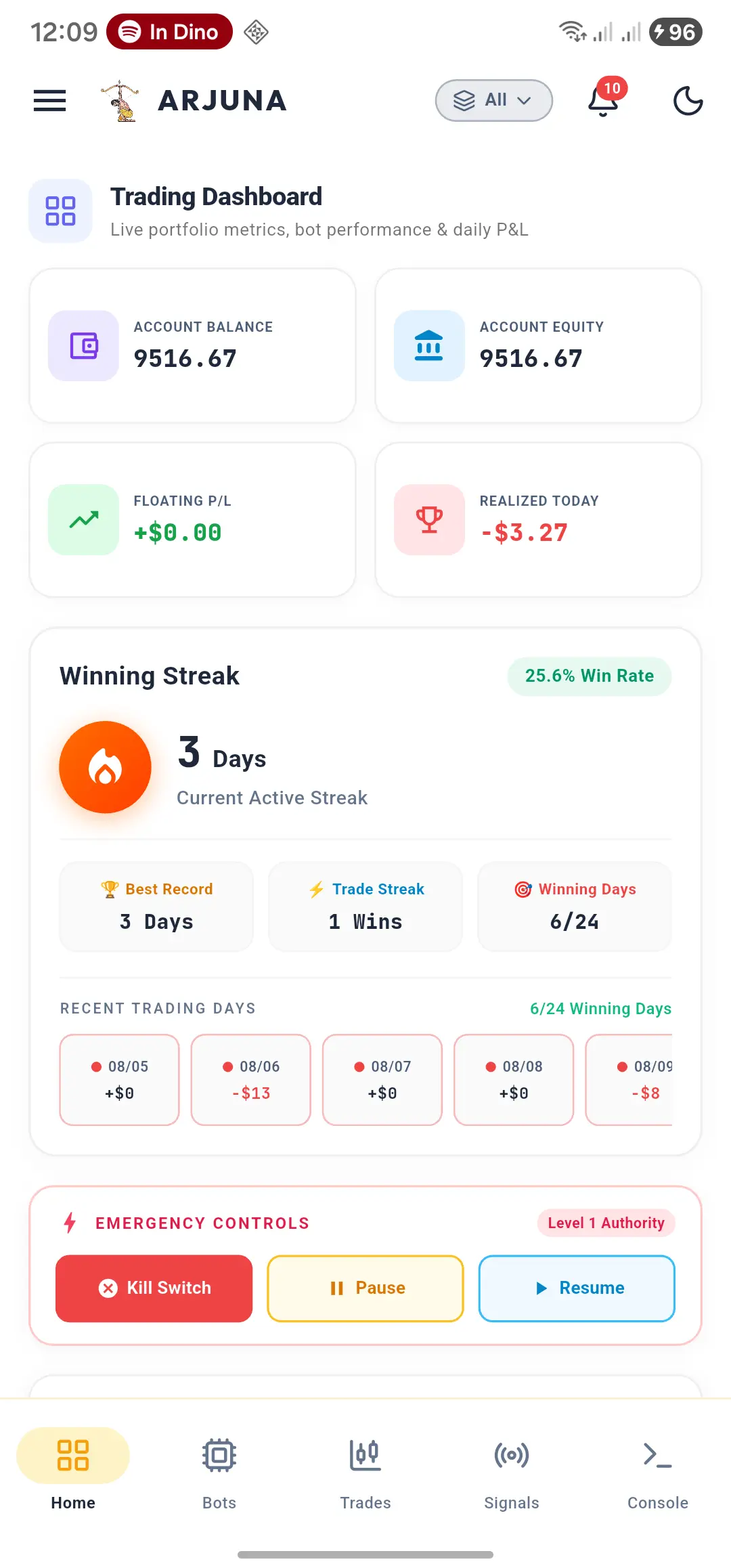
- Attach your Bot to selected Signal Providers in the Arjuna Mobile App or Web Portal.
Need additional assistance?
Our support team and trader community are available 24/7 to help you set up.